Kids Party Games: Indoor, Birthday & Classroom Ideas by Age
Discover 47 fun and free kids party games for birthdays, classrooms, and indoor gatherings with no sign-up needed. Perfect for all ages!
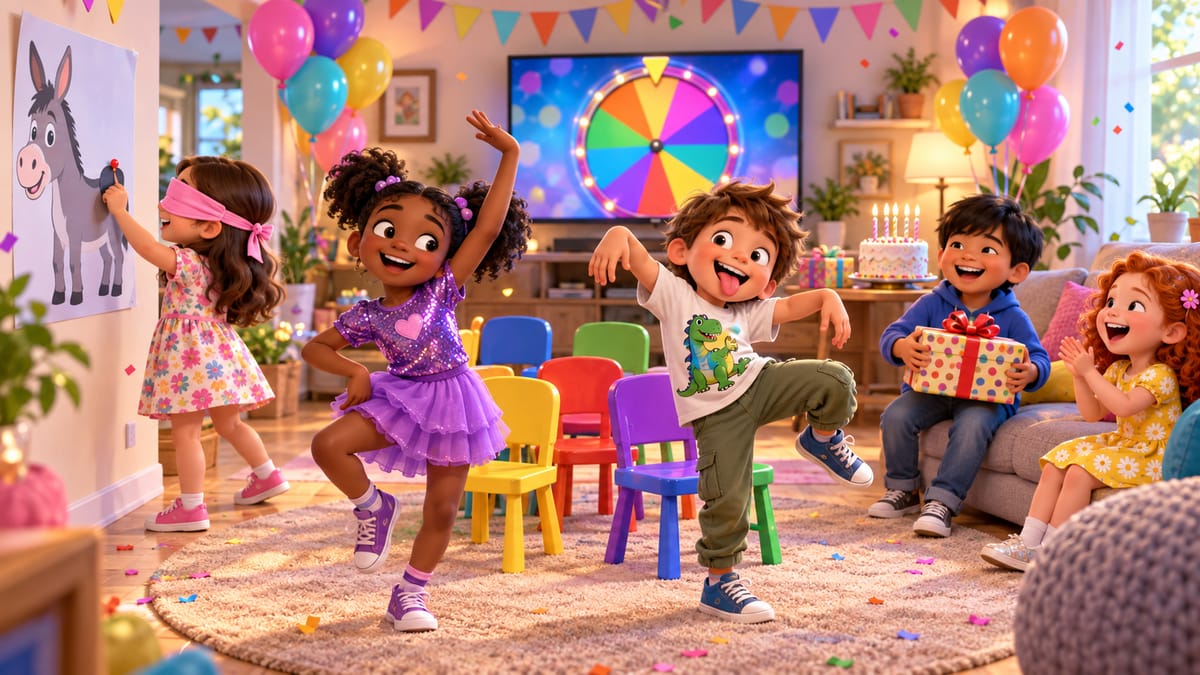
The best kids party games are quick to explain, quick to start and keep every child playing instead of waiting on the sidelines. This guide sorts 47 free kids party games by age and by occasion, so you can pick the right one in seconds for a birthday, a rainy afternoon, a playdate or a classroom.
Every game below runs free on AllPartyGames.com, and the screen does the grown-up jobs: it plays and stops the music, calls out the commands, counts down the hunt and keeps score. That frees you to join in instead of refereeing. Nothing needs an account, a download or a printer. Open a game on a phone, cast it to the TV if you like, and tap Fullscreen so the whole room can see it. To see every game on one page, open the kids party games collection.
How to pick the right game
- Age. Under-fives need one simple rule and short rounds. Older kids like teams, words and a scoreboard.
- Energy. Start with active games, then switch to calm ones before cake or home time.
- Space. A living room suits sitting and guessing games; a garden suits chasing and racing.
- Supplies. Most games need nothing at all. A few use chairs, a wrapped parcel or paper and pencils.
Party games for toddlers (ages 3–5)
Little ones do best with one clear rule, lots of movement and rounds that last a few minutes. These party games for toddlers work even for children who cannot read yet:
- Freeze Dance: dance while the music plays, freeze when it stops. You can skip eliminations and just play for giggles.
- Musical Chairs: the phone plays the music and stops it at a secret moment. The Kids music style is bouncy and slower.
- Simon Says: the screen reads out the commands, and the Kids pack keeps them simple.
- Duck Duck Goose: the screen picks who walks around the circle and runs the chase timer.
- Pass the Parcel: wrap a small prize in layers. Each time the music stops, one layer comes off.
- Hot Potato: pass a soft toy while the phone ticks faster and faster, then "explodes". Best from about age 5.
- Pin the Tail on the Donkey: no blindfold needed. Study the donkey, the screen goes dark, then tap where the tail goes.
- Red Light, Green Light: move on green, freeze on red. Kids mode is slow and friendly.
- Kids Scavenger Hunt: simple things to find, read aloud by the screen with a long countdown.
- Memory Match: flip cards to find the pairs. Start on the Kids level.
- Animal Charades: act out a penguin, a kangaroo or an octopus while everyone guesses.
Games for ages 6–9
Children in the early school years can handle turns, teams and a little strategy, as long as there is plenty of silliness too:
- Guess the Word: hold the phone on your forehead while your team describes the word, against a 60-second timer.
- Pictionary for Kids: easy words like sun, cat and rainbow, with a gentle 90-second timer. Grab paper and crayons.
- Kids Trivia: ten easy questions about animals, colors, numbers and the world.
- Word Scramble and the Last Letter Game: quick word games that stretch spelling.
- Guess the Emoji: work out the movie, animal or food from a few emoji clues.
- Riddles: think, reveal the answer, keep score.
- 5 Second Rule: name three things in five seconds. It is harder than it sounds!
- Tic Tac Toe: two players on one phone, or play against the computer.
- Telephone: whisper a silly sentence down the line, then see how much it changed.
- Rhythm Challenge: copy a clap-and-tap pattern that gets longer every level.
- Relay Challenge Generator: frog jumps, crab walks and balloon carries for two teams.
- Scavenger Hunt: the screen calls out one thing to find at a time.
- Would You Rather for Kids, Truth or Dare for Kids and Never Have I Ever for Kids: gentle, kid-safe question games for sleepovers and small groups.
Games for ages 10–13
Tweens want faster timers, word play, bluffing and a clear winner:
- Categories: one letter, five categories, one timer. Only unique answers score, so hand out paper and pencils.
- Word Chain: each word must start with the last letter of the one before.
- 20 Questions and Who Am I?: yes/no guessing games that reward smart questions.
- Forbidden Word: describe a word without saying the five banned ones.
- Mafia: the phone deals secret roles and narrates each night. It needs at least six players.
- Emoji Quiz: guess the movie or story from a row of emojis.
- Music Bingo: the host calls music prompts and players mark cards on their phones.
- Acting Challenge: act out an emotion, a character and a situation all at once.
- One Word Story: build a story one word at a time, then hear it read aloud.
- Random Challenge Generator: a random task to finish before the timer runs out.
- Rock Paper Scissors Tournament and Party Tournament: knockout brackets that crown a champion.
- Photo Scavenger Hunt: every challenge is a photo. Best for ages 12 and up.
Birthday party games for kids
A birthday needs the classics, and the screen can run most of them: Musical Chairs, Pass the Parcel, Pin the Tail on the Donkey, Freeze Dance, Hot Potato, Simon Says and Duck Duck Goose. The music games have a Birthday mode that plays a Happy Birthday tune. For older guests, add Guess the Word or a Party Tournament, and send everyone off on a Birthday Scavenger Hunt.
A simple one-hour plan
- Guests arriving (10 min): Memory Match or Pin the Tail on the Donkey on the TV. Both are easy to join late.
- Warm-up (10 min): Freeze Dance to burn off the first burst of energy.
- Main event (15 min): Musical Chairs with the Birthday music.
- Team time (10 min): a Birthday Scavenger Hunt in pairs.
- Calm-down before cake (10 min): Pass the Parcel, with a small treat in every layer.
Indoor party games for kids
Rainy days and small rooms call for games that need little running space: an Indoor Scavenger Hunt around the house, Memory Match, Guess the Word, Pin the Tail on the Donkey, Pass the Parcel, Telephone, Who Am I?, 20 Questions, Word Scramble, Guess the Emoji and Pictionary for Kids. Clear a little floor space and Musical Chairs works indoors too.
Outdoor games
In a garden, park or playground, the phone becomes the whistle: Red Light, Green Light, Duck Duck Goose, an Outdoor Scavenger Hunt for leaves, stones and feathers, Relay Challenge Generator, Hot Potato, Freeze Dance, Simon Says and Random Challenge Generator. Older kids can try a Photo Scavenger Hunt. A small Bluetooth speaker helps the music carry outside.
Movement games for kids
When they need to burn off the cake, pick movement games for kids: Musical Chairs, Freeze Dance, Hot Potato, Red Light, Green Light, Duck Duck Goose, Relay Challenge Generator, Simon Says (its Active pack keeps everyone moving), Rhythm Challenge, Scavenger Hunt and Random Challenge Generator.
Quiet games for kids
Keep a few quiet games for kids ready for after lunch, before bed or when a party needs to wind down: Memory Match, Riddles, Word Scramble, Guess the Emoji, 20 Questions, Who Am I?, Pin the Tail on the Donkey, Tic Tac Toe, One Word Story, Kids Trivia and Would You Rather for Kids.
No-equipment kids games
No chairs, no parcel, no printer. These no-equipment kids games need only the phone and the kids: Simon Says, Red Light, Green Light, Duck Duck Goose, Freeze Dance, Guess the Word, Telephone, Who Am I?, 20 Questions, the Last Letter Game, Riddles, Rhythm Challenge and Memory Match.
Kids scavenger hunt ideas
A kids scavenger hunt works at almost any age, and the screen removes the prep: there are no lists to write or print. Each version calls out one thing at a time with a countdown:
- Kids Scavenger Hunt: simple finds for ages 3–5, 6–8 and 9–12, read aloud for children who cannot read yet.
- Indoor Scavenger Hunt: things to find around the house on a rainy day.
- Outdoor Scavenger Hunt: leaves, stones, feathers and sounds in the park or garden.
- Birthday Scavenger Hunt: balloons, wrapping paper, party hats and the biggest smile in the room.
- Classroom Scavenger Hunt: a ruler, a shape with three sides, a word with seven letters.
- Photo Scavenger Hunt: every find is a photo, for ages 12 and up.
Play in pairs so younger children always have a buddy, and give a small prize to every team that finishes.
Classroom games for kids
Teachers can run these classroom games for kids straight from a smartboard or projector: open a game, press F for fullscreen, and the space bar presses the main button. Good picks for brain breaks and indoor recess are Simon Says, Freeze Dance, Red Light, Green Light, Classroom Scavenger Hunt, Categories, Word Chain, Kids Trivia, Riddles, Guess the Word and Memory Match. For everyday routines, the Random Student Picker gives fair turns and Classroom Icebreakers help in the first week of school. The classroom games collection has more, and you can even add any game to your class website.
Tips for smoother kids party games
- Keep rounds short and switch games before interest drops.
- Alternate active and calm games so the energy never boils over.
- With under-fives, skip eliminations or give "out" players a job, like pressing Start.
- Put the game on the biggest screen you have and turn the volume up.
- Have a small prize or sticker for everyone, not just the winner.
Play all 47 kids party games — free, no sign-up
Every game in this guide on one page, sorted by age and occasion, with a Parent / teacher mode that shows what each game needs.
Frequently asked questions
What are the best party games for toddlers?
Freeze Dance, Musical Chairs, Simon Says, Duck Duck Goose, Pass the Parcel and Red Light, Green Light all suit ages 3 to 5. Each has one simple rule, short rounds and plenty of movement, and several have a Kids setting that slows the pace.
How many games do you need for a two-hour kids party?
Plan six to eight games of 10 to 15 minutes each, plus time for food, cake and presents. Start with active games, switch to calmer ones before cake, and keep a spare or two ready in case one falls flat.
Do these games need equipment or printing?
Most need nothing but a phone, tablet or TV. A few use everyday things (chairs for Musical Chairs, a wrapped parcel for Pass the Parcel, paper and pencils for Categories), but nothing has to be printed, and there is no app to install or account to create.
Are these kids party games free?
Yes. Every game on AllPartyGames.com is free to play in the browser, with no sign-up and no paywall.
Can teachers use these games in class?
Yes. Open any game on a smartboard or projector and press F for fullscreen. The classroom games collection groups the most useful ones (pickers, timers, brain breaks and quizzes), and any game can be embedded on a class website.